Canonical demo path
Follow one expense from employee submission through approval and receipt.
Run the connected story
Use the same record across the consumer, provider, payment, and admin views.
Open the organization
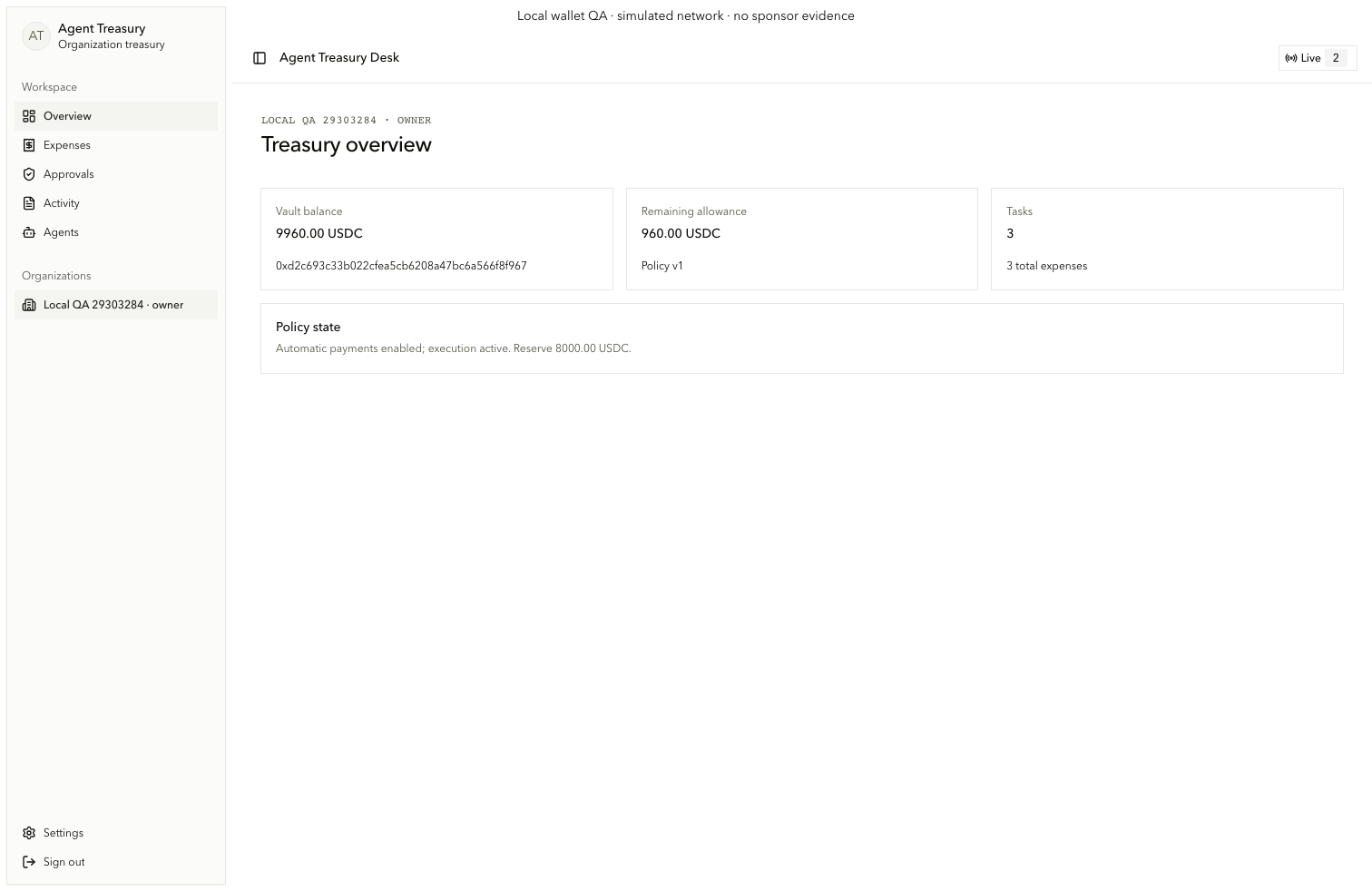
Sign in as the seeded employee and open Overview (consumer.nav.overview). Confirm the selected organization, role, vault balance, remaining allowance, task counts, and policy state.
Create and revise the expense
On Expenses, create the 250 USDC reimbursement and submit it for analysis. The manager requests a revision. The original submitter changes the amount to 200 USDC and saves revision 2.
Inspect and authorize
Read the two-source Graph comparison and stable decision reasons. Prepare and sign the exact approval for revision 2. Revision 1 and its stale material cannot authorize payment.
Trace the result
Open Activity, inspect the intent, attempts, receipt, decoded vault event, token transfer, and reconciliation history. Use admin investigation to view the same identifiers at operator depth.
See Create, analyze, and revise expenses, Exact approval and payment evidence, and Arc and Circle.