Create, analyze, and revise expenses
Create a versioned expense and inspect its deterministic Graph decision.
Create and submit
The expense becomes immutable revision material before analysis begins.
Create a draft
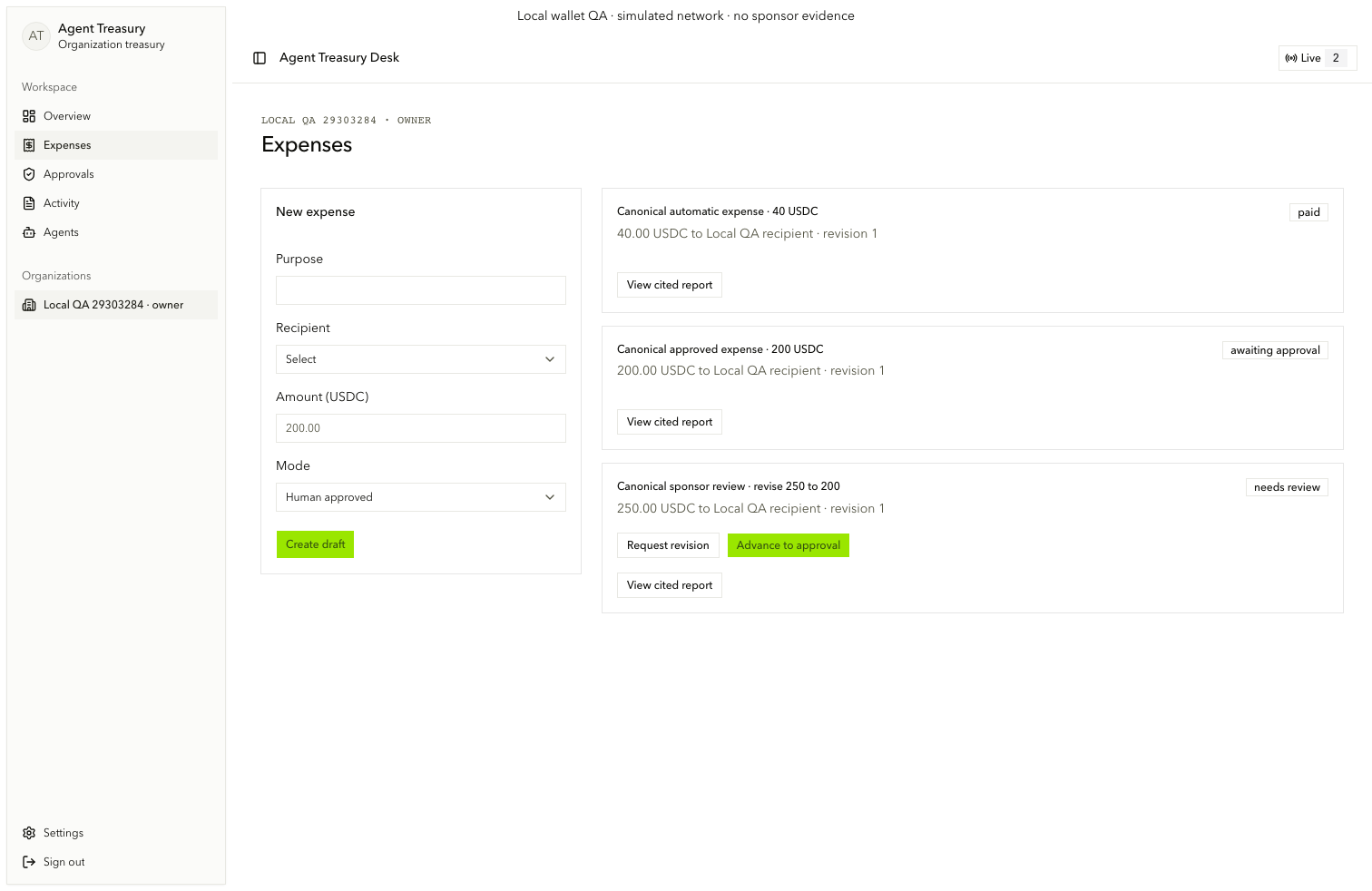
On /org/[orgId]/expenses, enter Purpose (expense.create.purpose), select an active Recipient (expense.create.recipient), enter Amount (USDC) (expense.create.amount), choose the payment mode (expense.create.mode), then choose Create draft (create-expense-submit).
Submit for analysis
Confirm purpose, amount, recipient, revision, and state on the expense card. The original submitter chooses Submit for analysis (submit-expense). The API records the exact revision and queues durable analysis.
Inspect and revise
Evidence can allow review, require review, or block. It never grants authority by itself.
Open the Graph comparison
Choose Open revision (open-revision). Read graph.decision.status, graph.decision.reasons, and each source's deployment, market, methodology, units, observation time, freshness, compatibility, and content hash. Use graph.provenance.toggle for full provenance.
Request a revision
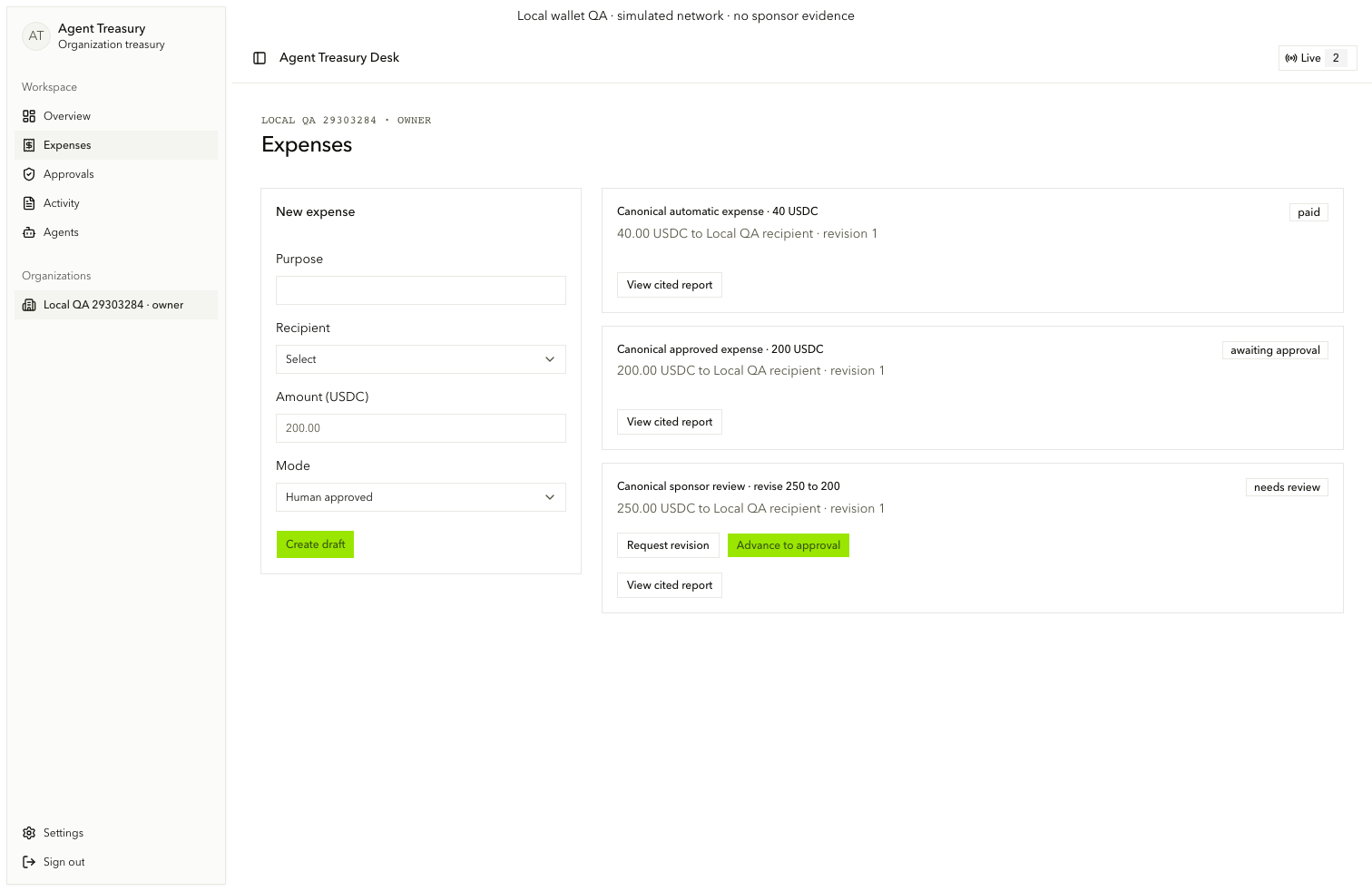
A manager or owner chooses Request revision (request-revision) when the expense needs review. Only the original submitter edits purpose, recipient, amount (revision-amount), payment mode, and reason.
Save revision 2
Choose Save revision 2 (save-revision) and expand Immutable revision history (expense-history). Revision 1 remains intact. Its report and approval material become stale and cannot authorize revision 2.