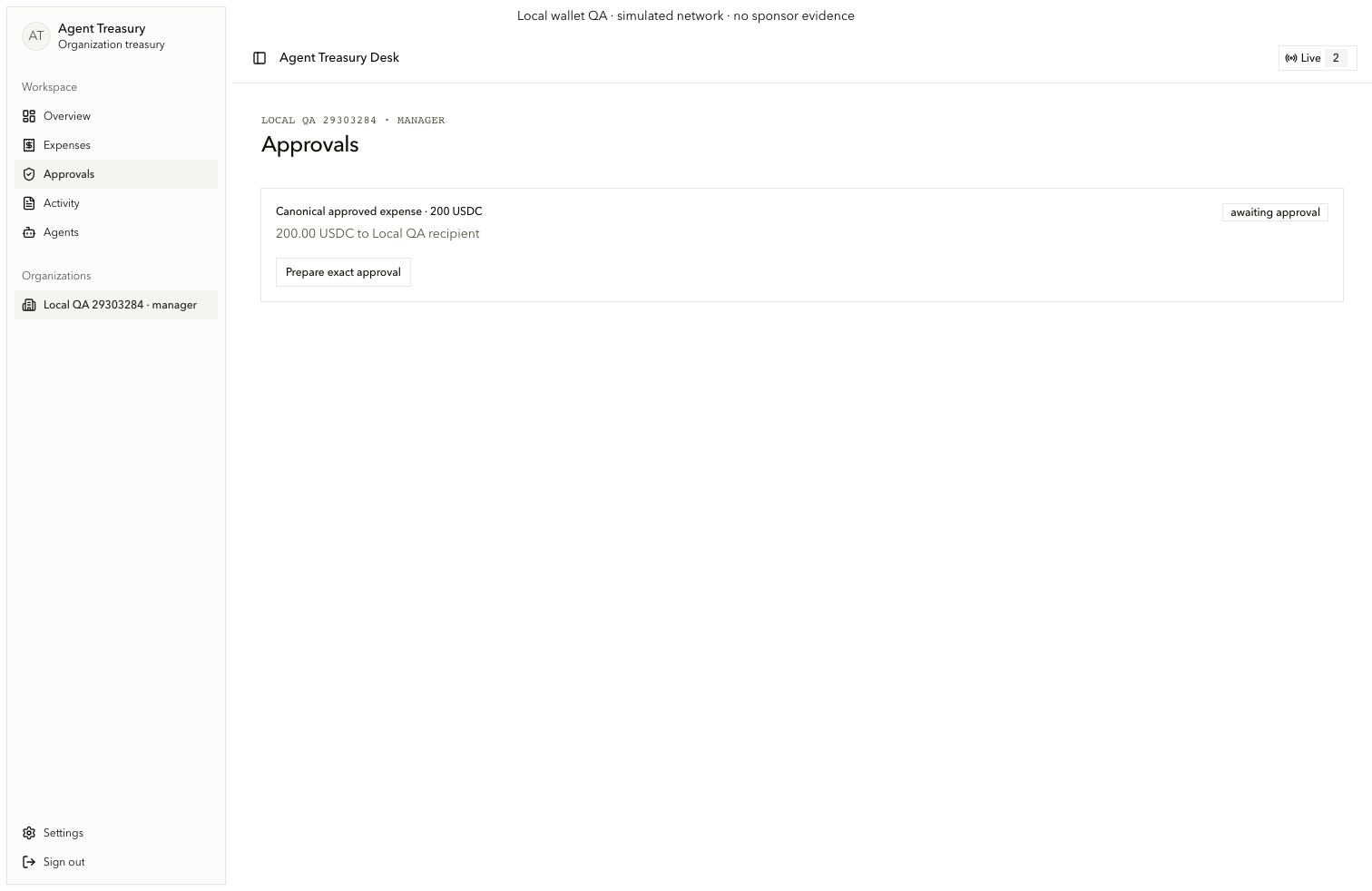
Exact approval and payment evidence
Authorize the current revision and reconstruct its Arc payment outcome.
Approve the exact expense
Human authority binds to the persisted expense revision and report.
Prepare the approval
On /org/[orgId]/approvals, locate approval.card and choose Prepare exact approval (prepare-approval). Verify the signer, vault, chain, policy version, report hash, and digest.
Sign the prepared data
Choose Sign with registered Privy wallet (sign-approval). Submission revalidates the current expense revision and report while holding the authority boundary. Concurrent revisions and stale approvals fail.
Automatic policy path
An owner can choose Execute under policy only for automatic_ready_for_payment. Recipient, per-payment cap, lifetime allowance, reserve, policy version, expiry, and pause state must all permit execution.
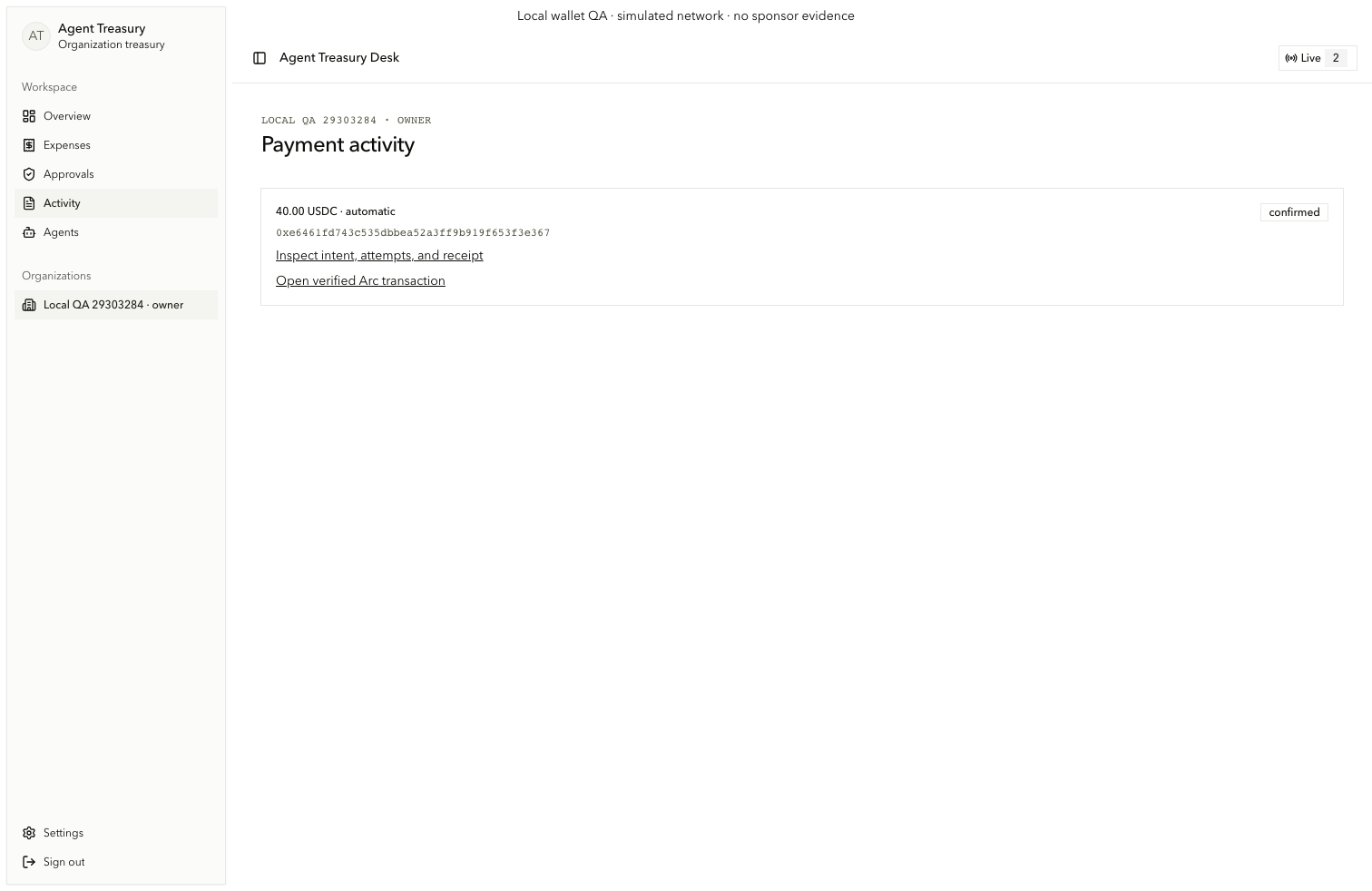
Inspect the receipt
The activity surface joins intent, provider attempt, chain receipt, and reconciliation without hiding uncertainty.
Open payment activity
On /org/[orgId]/activity, read each payment.card and choose Inspect intent, attempts, and receipt. A live explorer link appears only for a verified non-local transaction.
Read the unified timeline
On /org/[orgId]/activity/[paymentId], inspect payment-evidence-timeline: expense revision, Graph decision, human approval or automatic rule, executor context, immutable intent, attempts, Arc Paid event, USDC Transfer, and reconciliation history.