Admin access and operations overview
Enter the restricted admin realm and inspect platform health.
Enter platform operations
Admin authentication uses a separate realm and grants no authority over customer funds.
Sign in as the operator
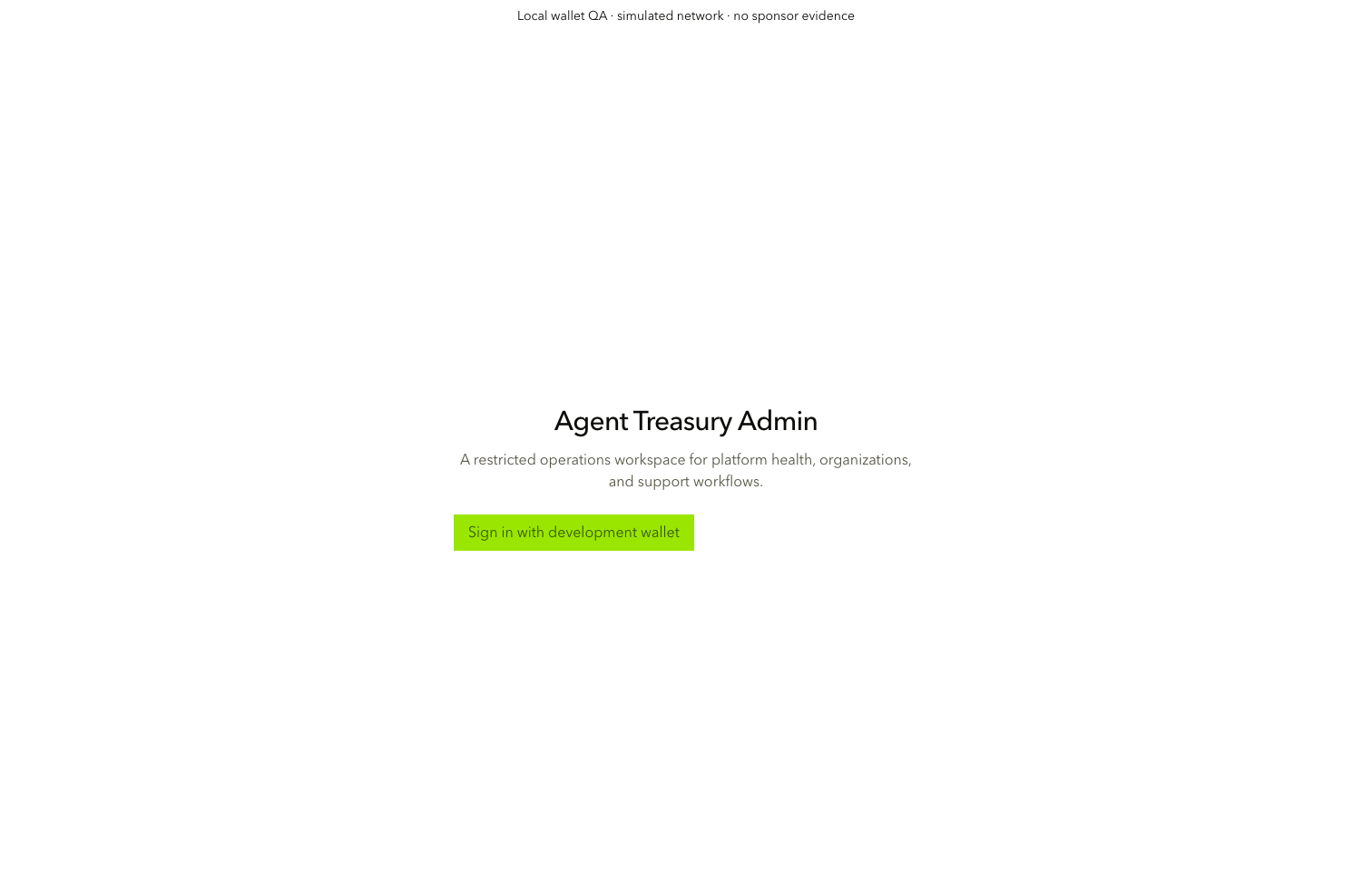
Open 127.0.0.1:3101 and choose Sign in with development wallet (admin-auth-continue). Only the seeded operator identity can enter /operations.
Use the operations navigation
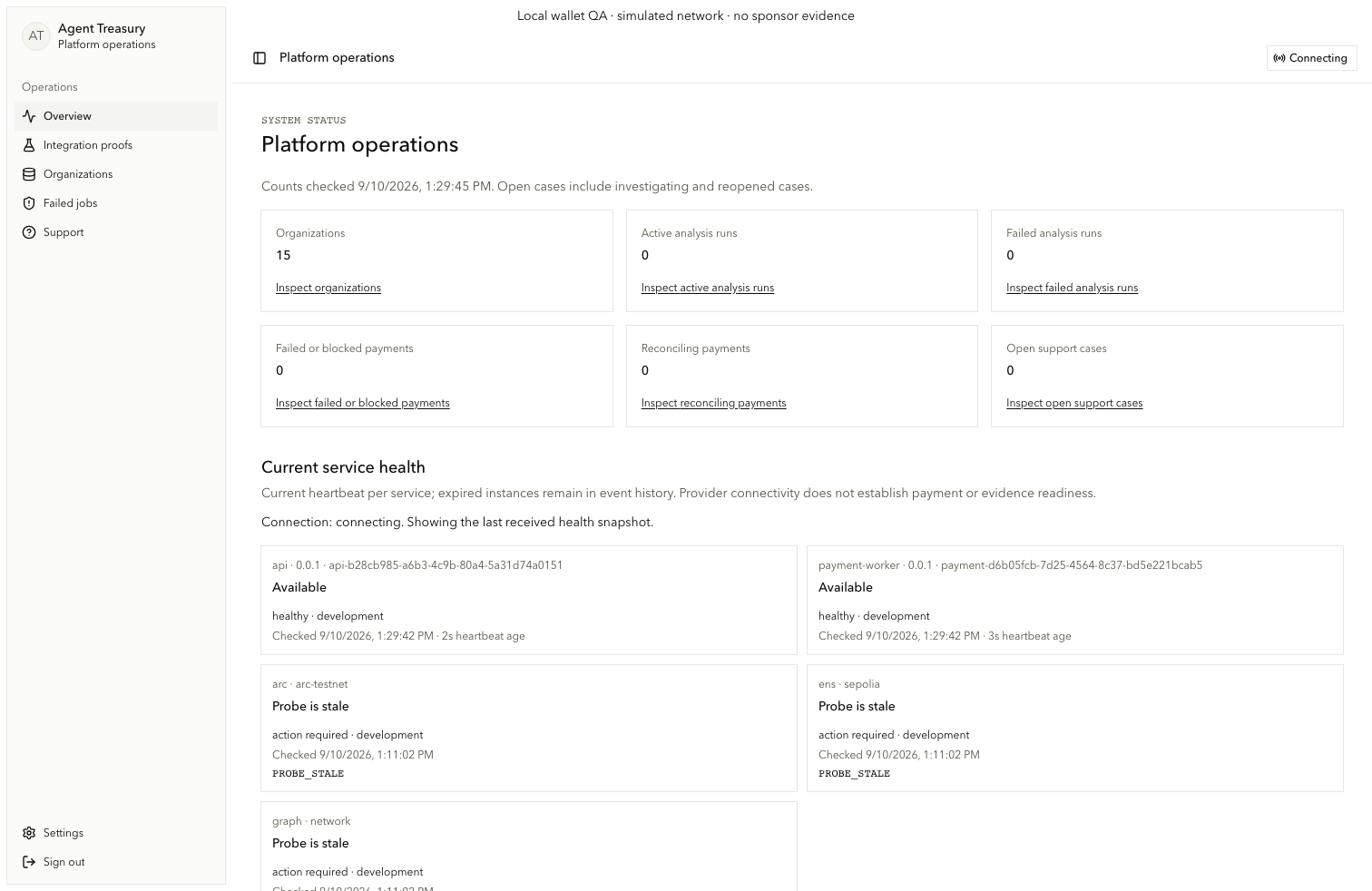
Open Overview, Integration proofs, Organizations, Failed jobs, Support, or Settings through admin.nav.*. Use admin.nav.toggle on small screens and admin.auth.sign-out to leave the realm.
Read platform status
Overview counts and health come from stored platform records rather than presentation fixtures.
Review counts
On /operations, read admin.overview.status and the organization, analysis, payment, reconciliation, and support counts under admin.overview.*. Use the matching Inspect links (admin.overview.inspect).
Handle a read failure
When a count query fails, the page shows an alert and Retry counts (admin.overview.retry). It does not show stale success alongside an error.
Read service health
Current service health projects supported providers, collapses duplicate instances by active release, and keeps expired heartbeats in history.