Organization search and investigation
Find an organization and trace its typed evidence records.
Find and inspect an organization
Search persists in the URL and investigation remains read-only for financial records.
Search organizations
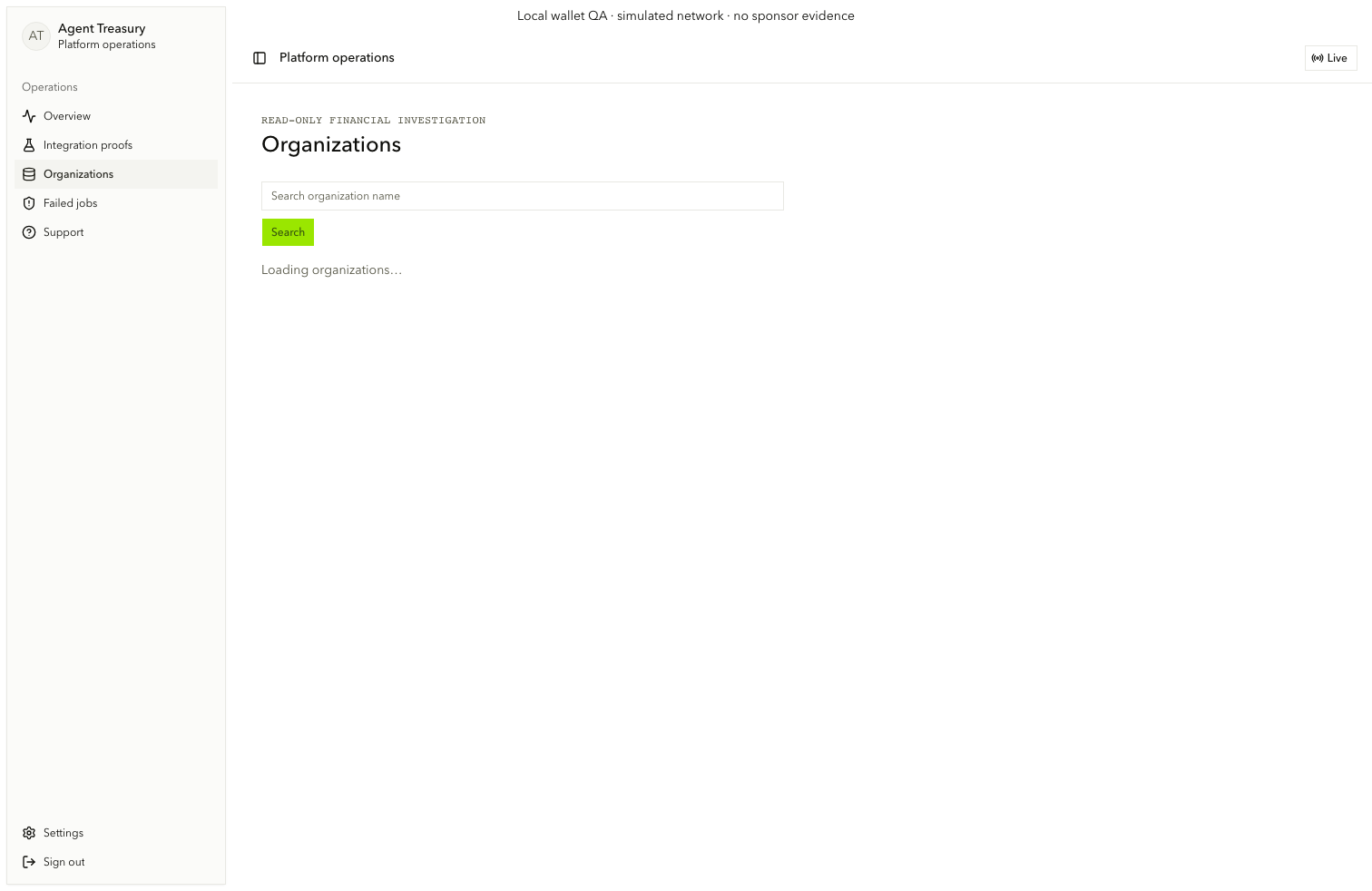
On /operations/organizations, enter Search organization name (admin.organizations.search-input) and choose Search (admin.organizations.search). Read admin.organizations.search-status, choose an inspection link, or use Clear search (admin.organizations.clear).
Inspect typed records
On /operations/organizations/[orgId], inspect the organization, membership, expense versions, reports, runs, approvals, payments, attempts, receipts, audit, outbox, support, and live-history records.
Follow evidence links
Use admin.evidence.related-record to move among related expenses and payments. Copy a stable identifier with admin.evidence.copy. Open admin.evidence.raw-toggle only when the typed fields are insufficient.