Failures, support, and protected settings
Diagnose failed work, append support history, and respect protected wallet boundaries.
Diagnose without resubmitting
Unknown transaction outcomes enter reconciliation before an operator considers another action.
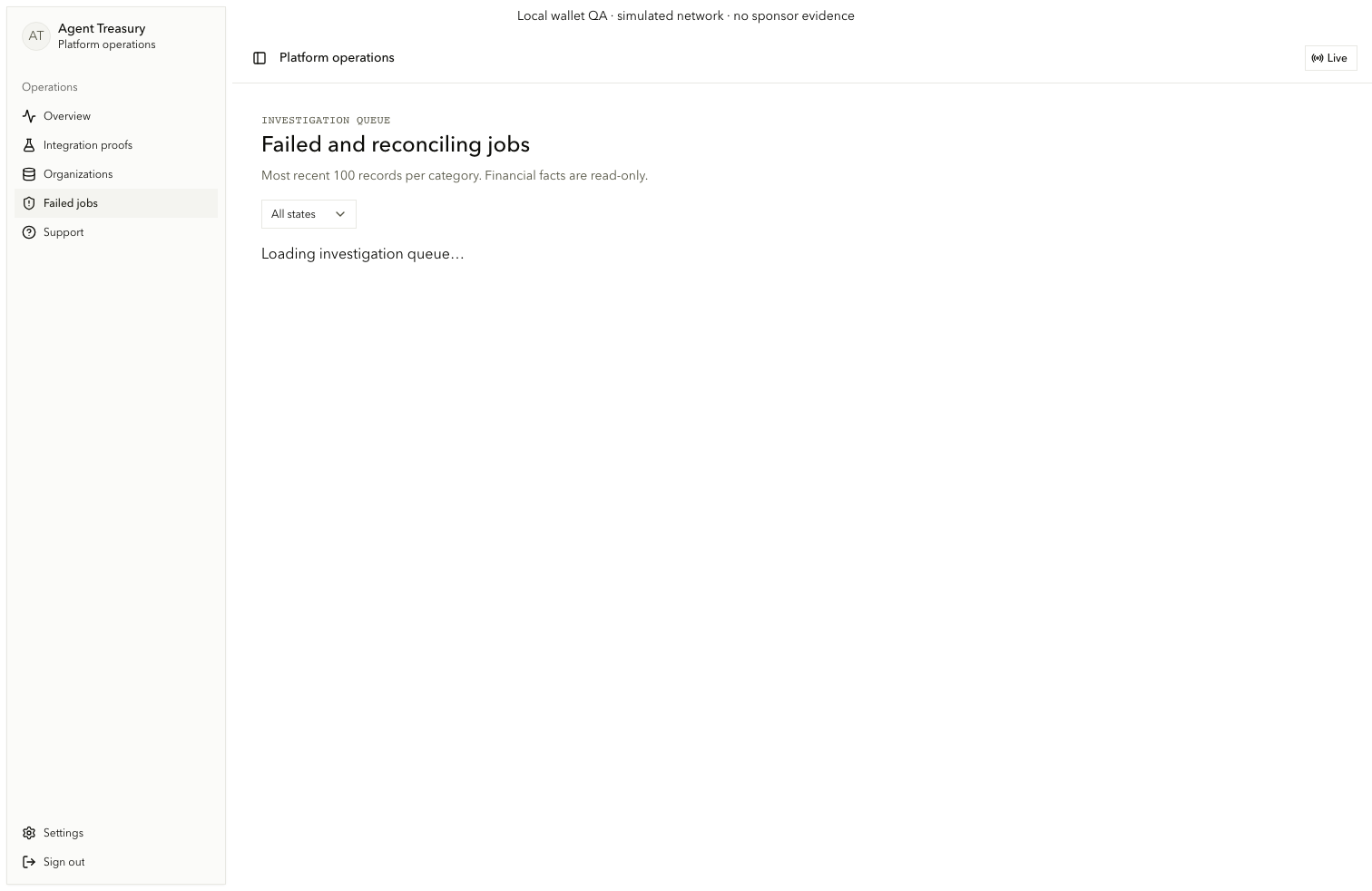
Filter failed work
On /operations/failures, use admin.failures.filter. Read admin.failures.loading or admin.failures.error, then use admin.investigation.retry only for a recoverable read failure.
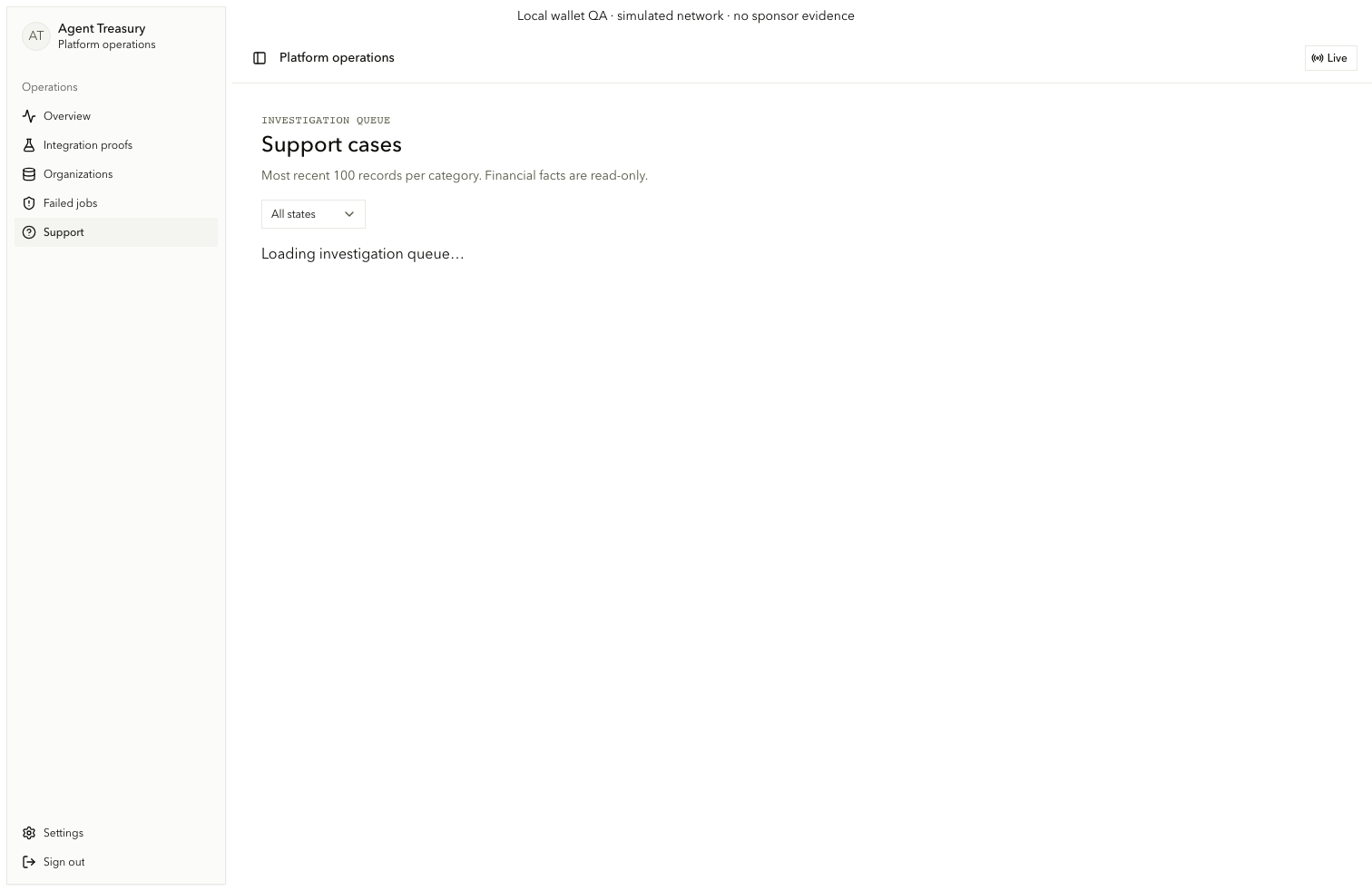
Update a support case
On /operations/support, use admin.support-cases.filter, follow admin.support.expense or admin.support.payment, enter an append-only note in admin.support.note, choose admin.support.status, and select Append note (admin.support.append).
Respect protected settings
/operations/settings explains the platform deployer wallet boundary. Creation or export requires fresh Privy authentication. The platform deployer cannot own or withdraw customer funds.